Universal USB Installer, Install, Run Linux From USB
I just got the replacement battery for my Acer Aspire 3810T and decided to make a clean cut. Instead of continuing to use Windows 7 as the operating system I have decided to install the latest Ubuntu on the notebook. I’m not using the device that often, actually only if I’m on holiday, and I thought it would be a good way to start fiddling around with a Linux desktop OS.
The Acer laptop comes without optical drive, which means that I have to install Linux from an USB device. But how do you get the Linux installation files on the USB device and ensure that Linux can be booted and installed from the device?
I remembered that I have reviewed UNetBootin, the Universal Netboot Installer, in 2008. The program is still around and updated regularly to include popular Linux distributions.
A friend recommended a similar program called Universal USB Installer which offered a similar functionality. And since I have not reviewed that program yet, I made the decision to use that program to install Linux on my notebook.
Preparing the USB device
Universal USB Installer is a portable application for Microsoft Windows operating system. Just run it to open the configuration screen. Everything is handled on that screen. Make sure you plug in your USB stick before you start the program, as it will not be recognized by the program otherwise. The stick needs to have a size of at least 2 Gigabytes. It should also be reasonably fast as the copying and installation may take a long time or fail if it is to slow.

You start by selecting one of the available Linux distributions from the pulldown menu under Step 1. Available are the latest stable releases of Ubuntu, Debian, Linux Mint, Open Suse and a couple dozen more.
You can select to download the ISO from the project homepage, or select an existing ISO image from the local hard drive. Downloads were processed in Microsoft Internet Explorer, even though that was not the default web browser on my computer system.
You select the usb flash drive letter under step 3. Only removable drives are displayed by default. You can override that option to display all drives but that is usually not recommended as installation on a local hard drive may break the installed operating system on those drives.

It is recommended to format the drive which will erase all contents stored on it before the Linux distribution is copied to it. Persistent file size is only necessary if you plan to run the Linux system from USB stick. Since my intention was to install it on the notebook, I did not need to configure that storage.

Installation of the Linux distribution on the device takes time, especially if the device is not that fast. A progress bar indicates the remaining time and the current state of the copying process.
Using the Linux distribution on USB
Now that Linux has been installed on the USB device, you can make use of it in two different ways. You can plug it into any computer to run Linux directly from the device, or use it to install Linux on that computer. One thing that you probably need to do is to enter the BIOS setup to change the boot order. The notebook’s hard drive is usually the first boot device, and you need to change that so that your USB device comes first and the hard drive second.
The loader of the selected Linux distribution is displayed once you have made the boot order change. It is then just a matter of selecting to Install the Linux distribution on the hard drive, or run it from USB device.
Verdict
The process of copying Linux to an USB device has been pleasant. It took less than five minutes to download and copy all relevant files on the USB device. The first USB stick that I tried caused a problem during installation, probably because it was not fast enough. The second USB stick that I tried was faster and installation commenced without further problems.
Users who want to install Linux on a netbook without optical device can use the Universal USB Installer to do that comfortably. The program is constantly updated with new Linux releases. A download is provided at the developer website. that has been linked above in the article.
Fuente: http://www.ghacks.net/2011/05/09/universal-usb-installer-install-run-linux-from-usb/


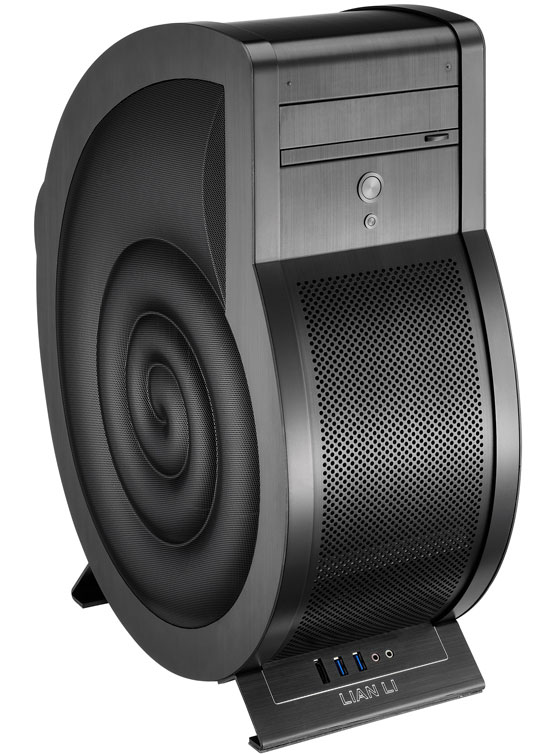
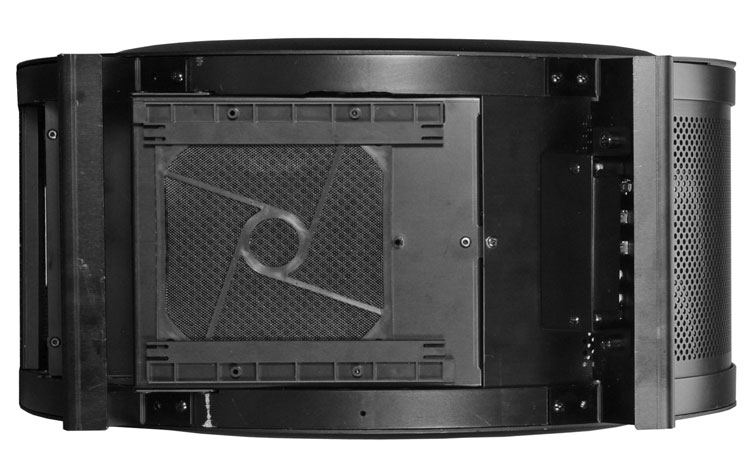
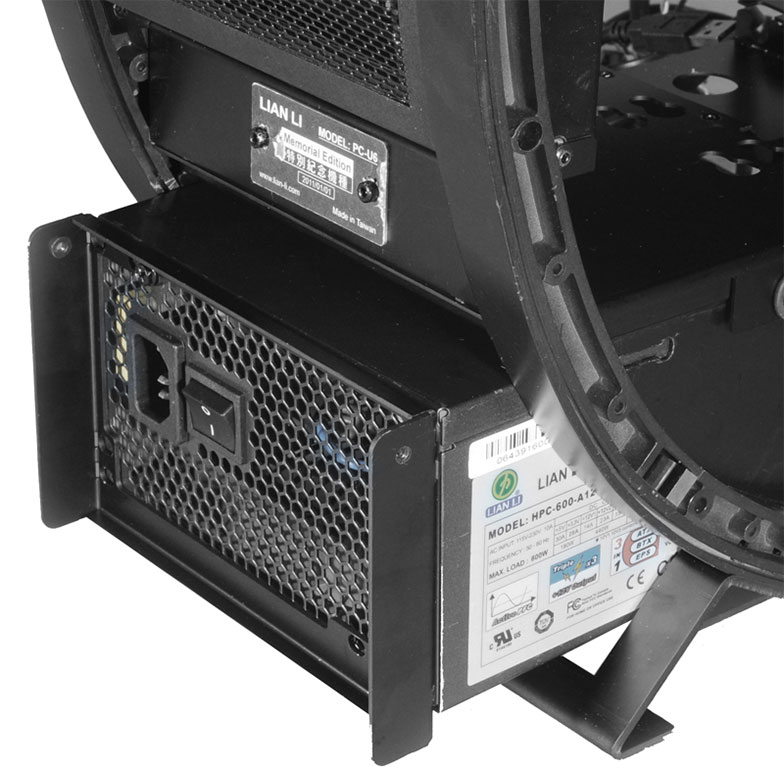
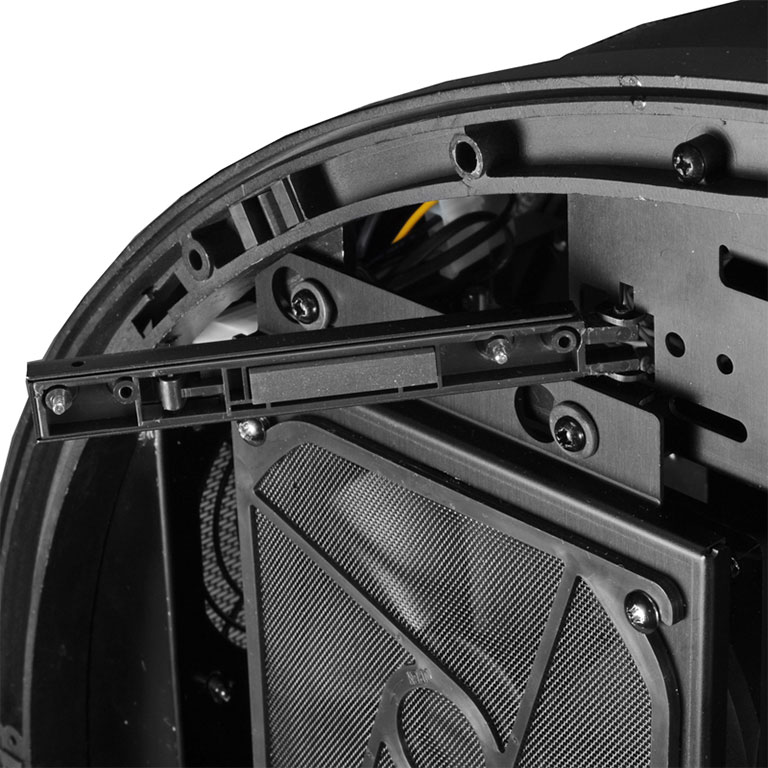
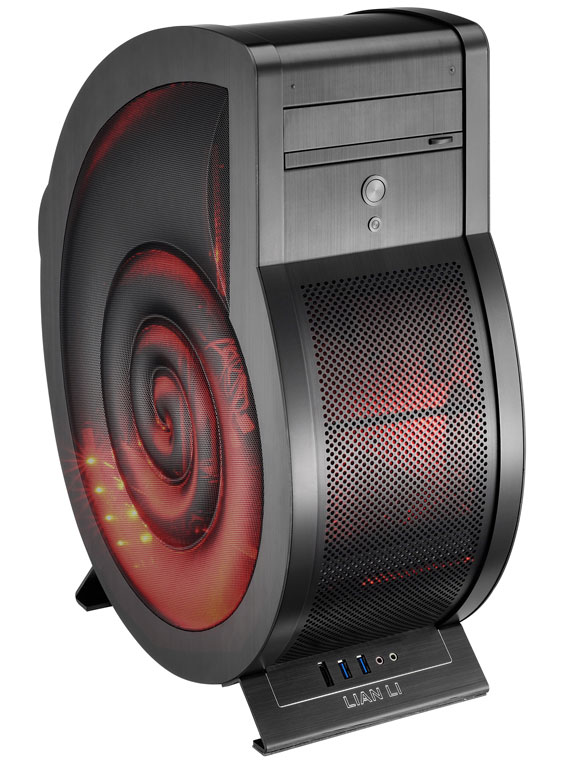
 Lian Li Industrial Co. Ltd, maker of high-end, all-aluminum computer chassis since 1983, today launches the all-new and extremely stylish special edition PC-U6 Cowry: an all-black, PC case with design characteristics of a seashell. This unique PC chassis provides users with a computer case that exhibits personality and craftsmanship while breaking free of simply being a box to house components.