D7, Computer Repair, Troubleshooting Software
The portable application D7 could be a computer technician’s and system administrator’s dream application for repairing and troubleshooting Windows systems. It comes with such a huge feature set that it is difficulty to describe it in a sentence, or even a paragraph.
So what can you do with D7? The feature set ranges from running maintenance related tasks over tweaks and PC repairs to malware scanning and offline tools.
When you start D7 for the first time you are presented with the program options, before you can access the main interface. An info screen is displayed in the first tab that displays different information about the operating system, from the data of installation to the user path, hardware related information and whether UAC is enabled or not. Alerts on the right highlight areas of improvements.

All tools are listed on the remaining tabs, from left to right: Maintenance, Repair, Tweaks, Malware and Offline Tools.
D7 offers two modes of operation. You can either start a section in auto mode which will run through all suggested features and programs, or execute a program or feature individually.
The maintenance tab makes use of one of the best features of the application; Integration of popular third party tools. When you look closely you can see that the maintenance module can integrate CCleaner, Defraggler, StartupLite, Recuva and Custom applications in the maintenance run.
You need to download those applications manually and put them into the 3rd Party Tools subdirectory of the program directory before you can use them. Instructions on how to do that are available on the developer website.
Repair offers lots of tasks. From examining the Windows hosts file and resetting the firewall over fixing PIO mode to Windows Updates and repairing system restore. There is a lot to select from, this time without an option to run all tools at once. But it makes sense here to make the user pick individual repairs only.

The Tweak’s tab offers the usual assortment of tweaks, nothing spectacular but still useful for some users who may want to disable some features in Windows.
It gets interesting again on the Malware tab. Here you can perform standard malware related tasks, like purging the Windows System Restore, fixing the shell and run dialog, repairing permissions or networking settings. Several popular malware scanners, like Malwarebytes,Kaspersky’s TDSS Killer or SuperAntiSpyware can be integrated into the tool to scan the system thoroughly.
The custom apps section offers integration of custom third party applications, like virus scanners that have no individual listing in the application.

You need to make sure that the programs are either in the D7 directory or installed properly on the system before they can be utilized in the malware scan and removal. Here is a video of the malware module in action.
If you thought that’s all what D7 has to offer then you thought wrong. Icons at the top right lead to additional menus with options. Here is a screenshot of the Internet button. Remember, that’s only one out of nine available buttons.

It offers several interesting features; From downloading the latest video drivers over testing Flash, SSL or Siliverlight to downloading Microsoft’s Security Essentials and running Windows Update. Other buttons lead to a list of system tools, important folders on the system, user related features like changing the password or configuring UAC to finding specific terms in the program. The search terms are highlighted in the application interface, helpful if you are looking for a tool to fix a specific error or problem.
D7 is a great addition for a maintenance, troubleshooting and repair tool collection. The option to integrate powerful third party is a great feature. New users will have to spend some time in the interface before they can use the full potential of the application.
The program can be downloaded from the developer website. You find instructions there as well which you should read to make the most out of the application. The program is compatible with 32-bit and 64-bit editions of Windows. It was tested on a 64-bit edition of Windows 7 Professional.
Fuente: http://www.ghacks.net/2011/05/23/d7-computer-repair-troubleshooting-software/


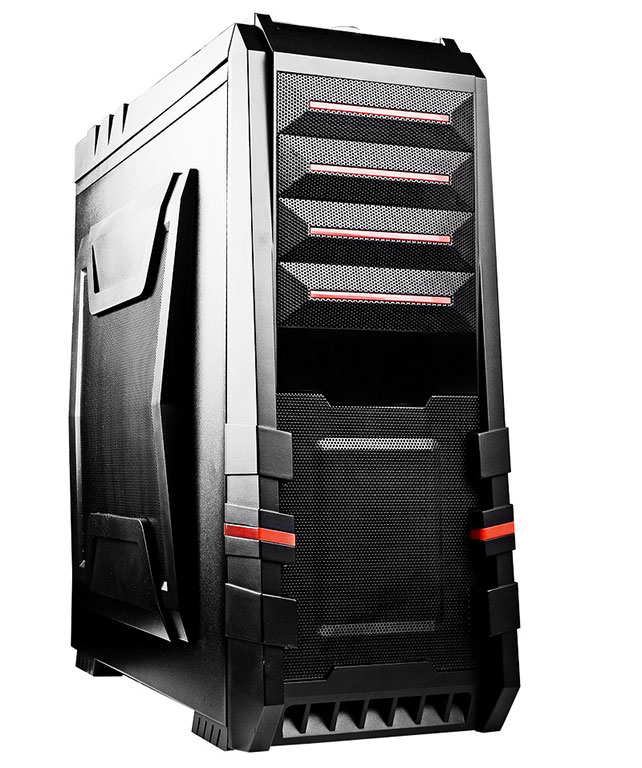
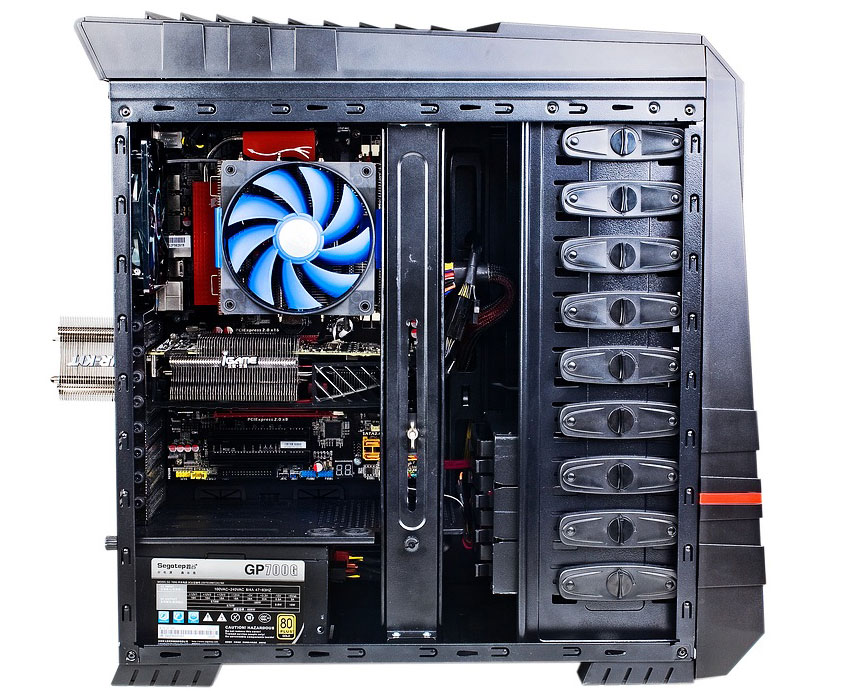
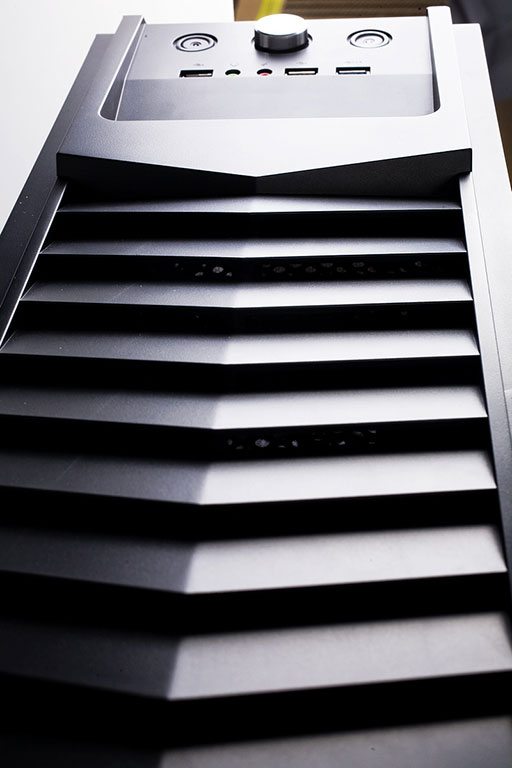
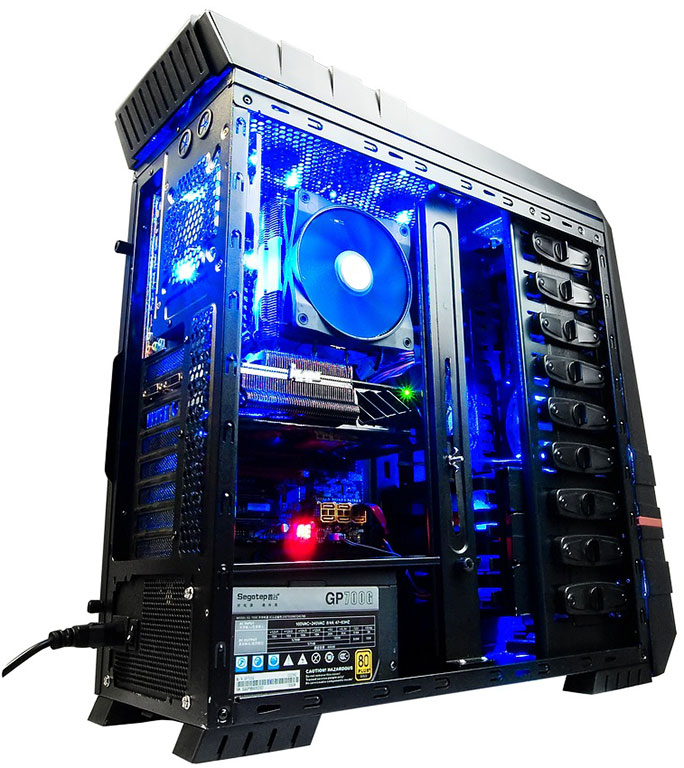
 Colorful Technology, known as a graphics cards provider, today announces its new case for global market, which is named Raynor Tower G3. It measures 195mm (W) 517mm (H) 535mm (D), most of the body is made of SECC metal. The Raynor Tower G3 equipped with a removable plate at the top of the chassis for creating perfect air duct. One of the sides has a large opening with dust filter which allows installing two 120/90/80mm cooling units.